4.4.1.3.4 Change to take away
With this function, it is possible to switch between the standard tax rate and an alternative tax rate at any time, provided the functionality has been activated in the Management Console. The respective tax rates can also be adjusted in the console. For configuration, it is recommended to consult a tax advisor.
Steps to change to take away tax rates:
Open the RETAIL7 app.
Enter your login data and log in.
Open the Favorites menu.
The menu is located in the lower area of the app. Here you can also find all other menus that control the RETAIL7 app. The menus are always displayed after logging in.
Select Change to take away.
A new transaction is opened and the alternative tax rate becomes active. In the Favorites menu, you will now see a Change to in house button instead of the Change to take away button.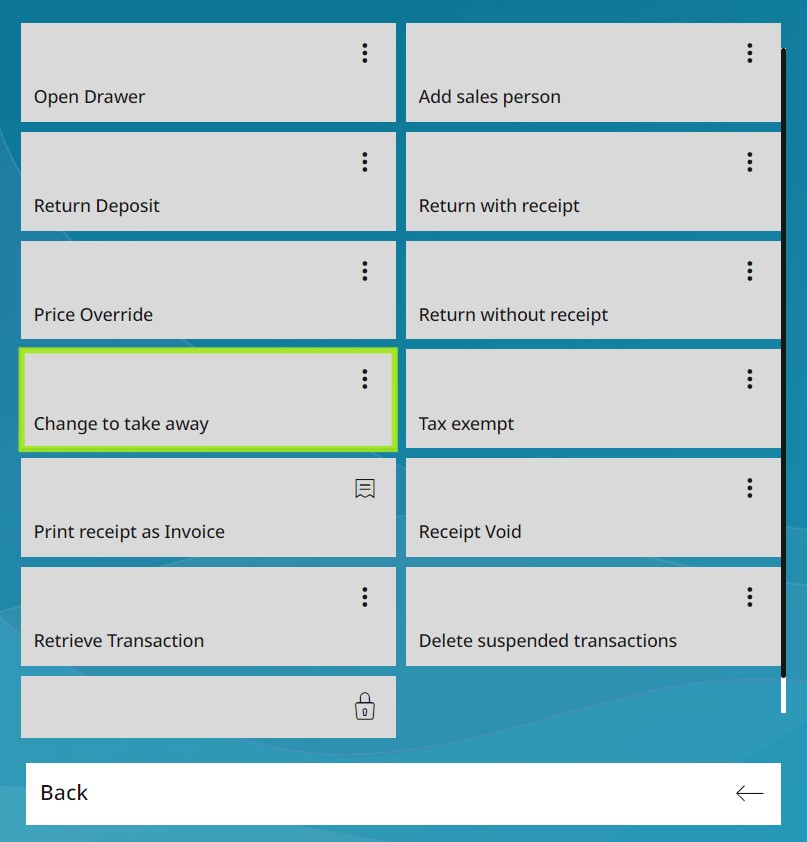
To switch back, click Change to in house.
The default tax rate is active again. This rate is always the basic setting after starting the app.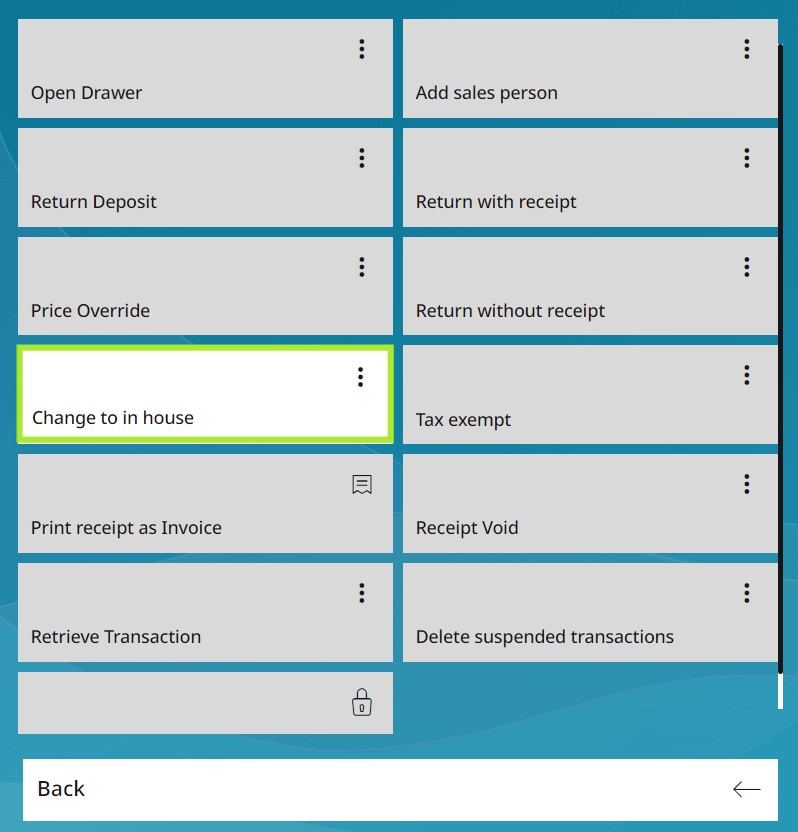
Note: You can switch between take away and in house within the same transaction. Items registered under the Take Away function will be taxed differently at checkout.