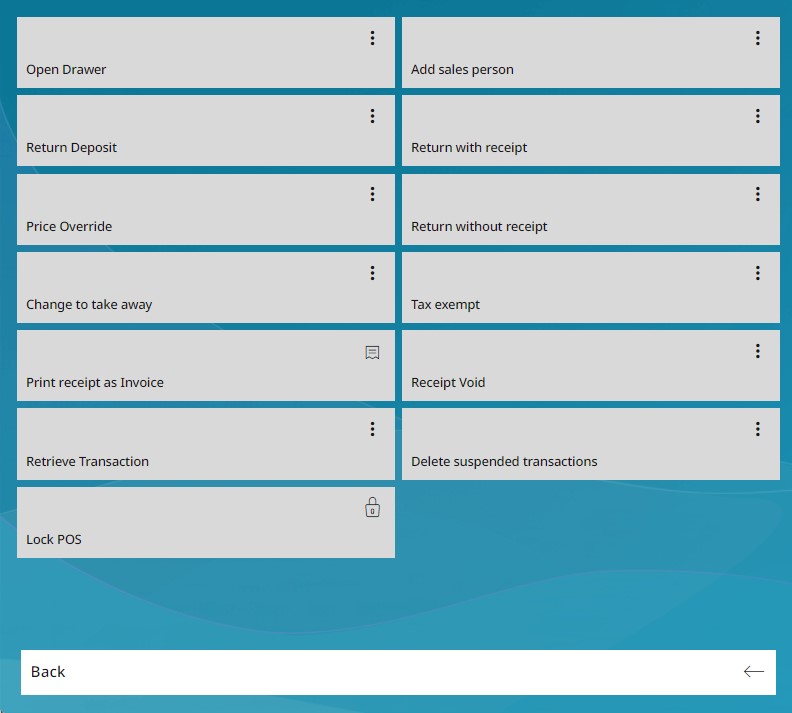
4.4.1.3 Favorites
Within the RETAIL7 app, all menu items are clearly arranged in the lower area of the display. A navigation bar positioned beneath the menus allows users to scroll smoothly through the available options, making it simple to locate and activate the desired functions.
The Favorites menu provides quick access to all functions required for daily operations. Key menus are consolidated in this section to ensure that frequently used features can be located and accessed with minimal effort.
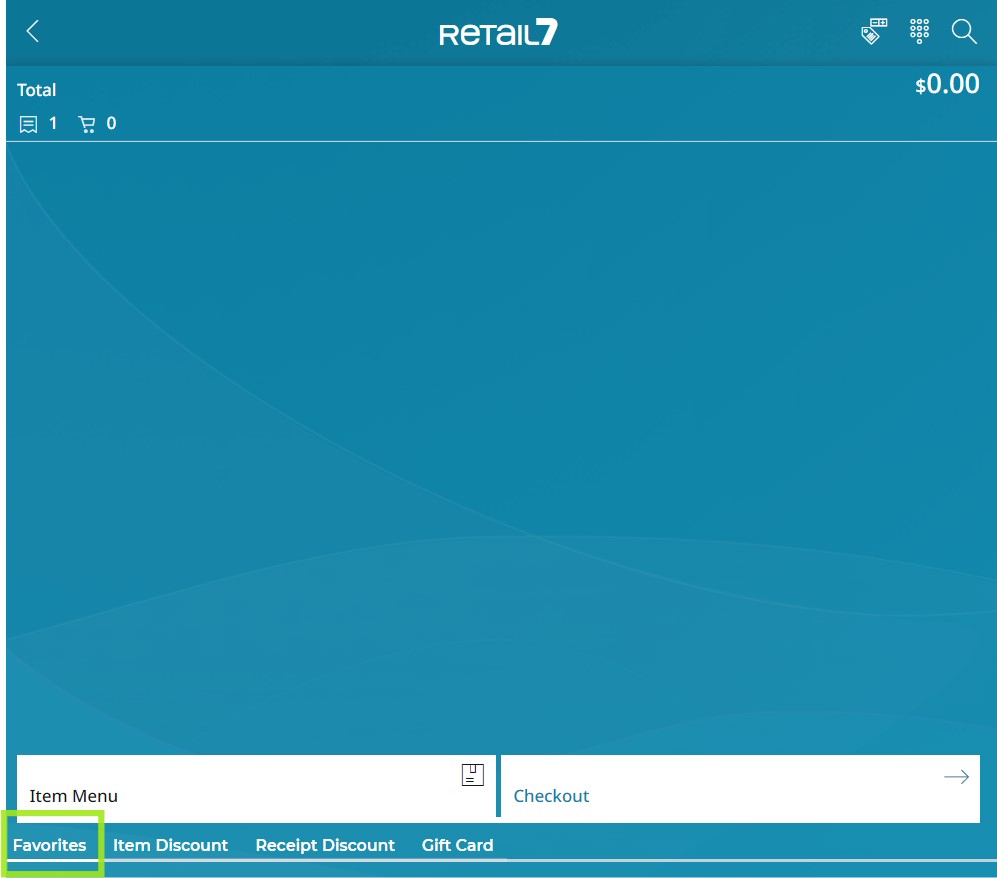
When you click the Favorites menu button located at the bottom of the display, all available function buttons within this menu are shown. To return to the welcome screen, simply select the Back option.
The following chapters provide an introduction to each of the functions.